When you need a trading partner to confirm or complete their DSCSA details, send them an information request. The partner receives a secure link to a short, prefilled form, and any changes they make flow straight back into your Address Book.
Send an information request #
- Open the organization (or contact) you want to request information from.
- Click Request Information.
- Click Send Information Request.
The email address on file receives a message containing a secure link to a form prefilled with the information you already hold.
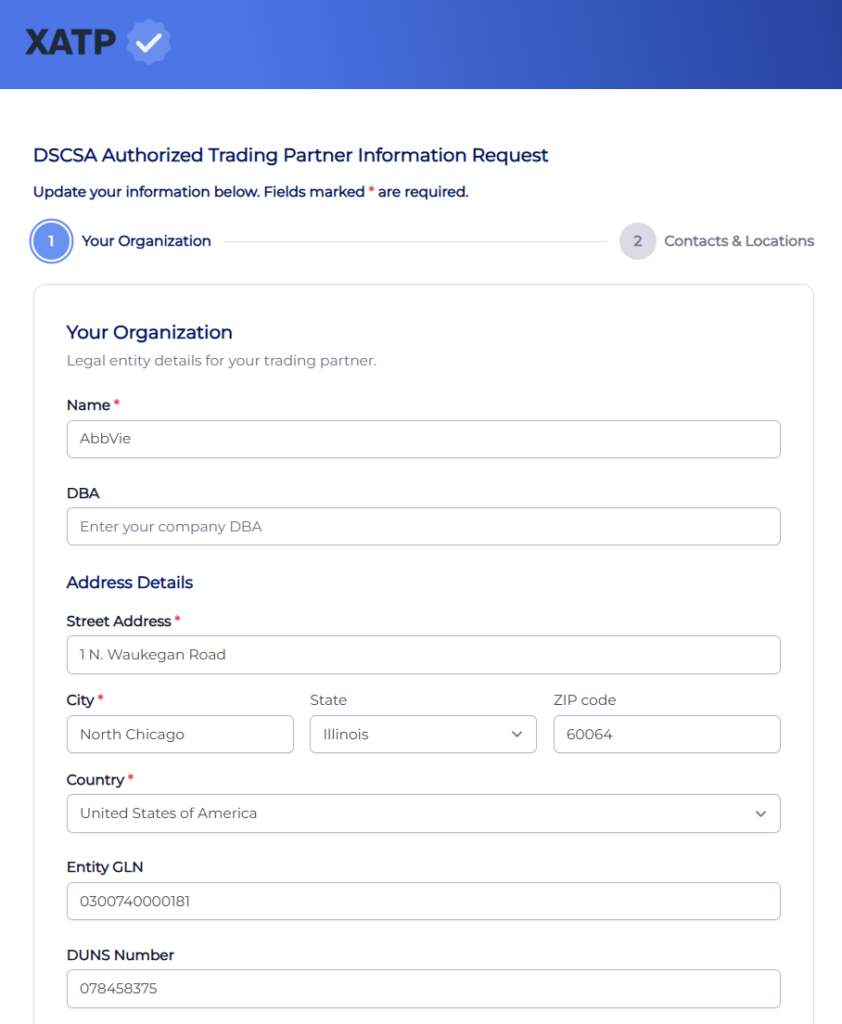
What the trading partner does #
The partner opens the link, reviews and updates their information, and submits the form. No account or login is required, so it is quick for them to complete.
Updates sync automatically #
Any changes the partner submits are written back to the matching record in your Address Book, so your data stays current without manual re-entry.
Last updated
Ready to do this live?
See the Address Book and DSCSA workflows on your own data.